Agentics ID
One account for HRM, Wash and WMS. Password recovery through Telegram.
Who it is for
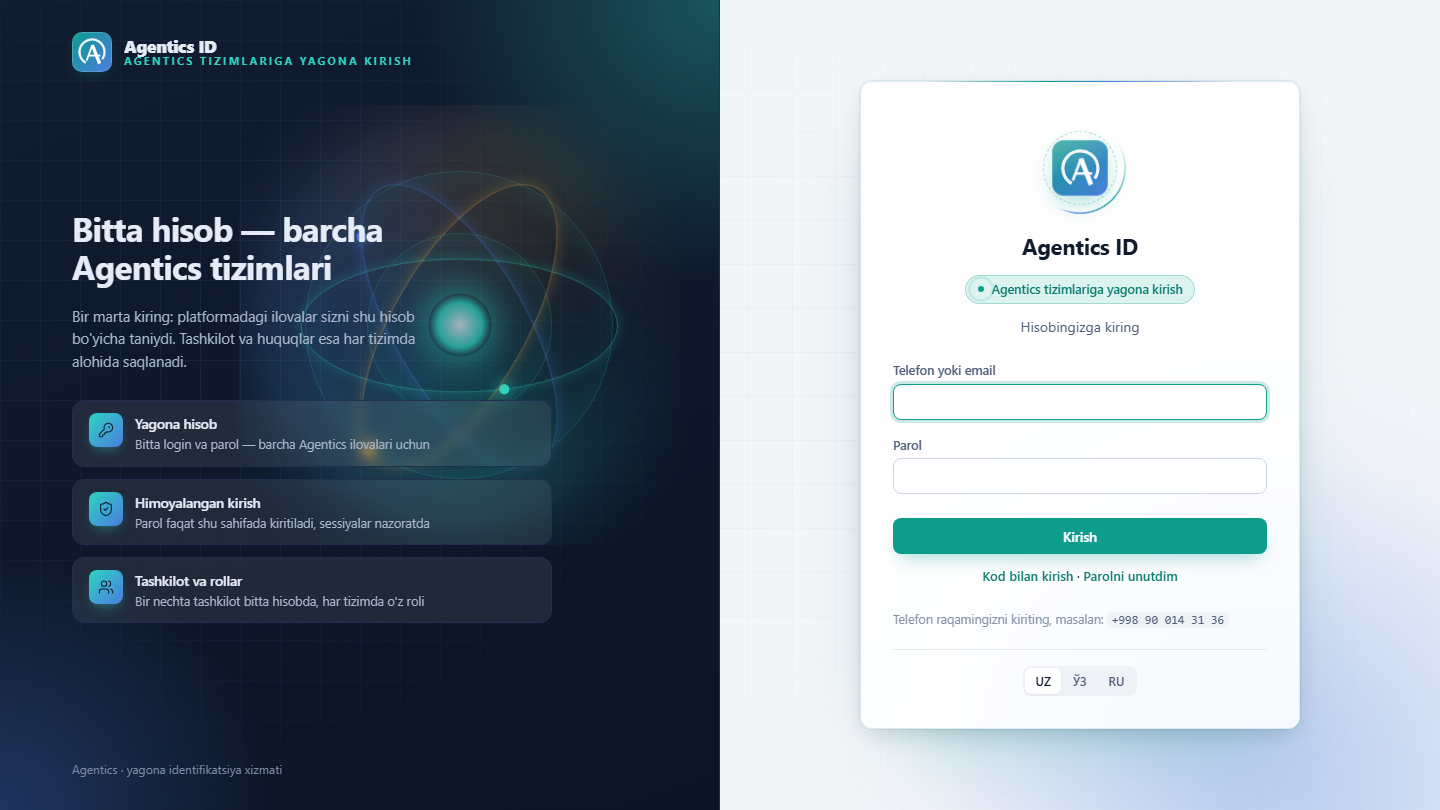
Agentics ID is the single sign-in for the Agentics product family. An employee gets one account, and HRM, Wash or WMS recognise them by it. One login and password, one sign-in page: id.agentics.uz. Every company works inside its own organisation (tenant); its data never mixes with another company’s.
Roles are granted per product: the same person can be a warehouse administrator and an ordinary employee in the HR system. Roles are assigned not by Agentics but by the company’s own manager, on the Access accounts page inside the product. An employee can be added manually (with a one-time temporary password) or sent an invitation link: the employee confirms their phone number in the Telegram bot and the manager approves the request, choosing a role. When someone leaves, they are removed with one click.
The password problem is solved through Telegram. A phone is linked to @AgenticsIdBot once; after that the Forgot password button sends a six-digit code to the bot, with no need to contact the manager or Agentics. If they prefer, an employee can sign in without a password at all, by code only. A code is valid for 5 minutes, is cancelled after three wrong attempts, and a password reset closes sessions on other devices.
The result is that shared passwords and impersonal accounts like cashier1 disappear: every action is tied to a specific person. Sign-ins, failed attempts, lockouts, code delivery, password changes and Telegram linking are recorded in the audit log. Credentials are entered only on id.agentics.uz; product applications never see the password.
What it does
Single sign-on (OIDC)
One login and password for every Agentics app. Standard OIDC; the password is entered only on id.agentics.uz.
A role per product
Roles are granted per organisation and product: admin in WMS, employee in HRM. Each product declares its own roles.
Organisation isolation
Each company lives in its own tenant. A sign-in grants rights only for the requested product and organisation.
Manager self-service
On the Access accounts page a manager adds staff, assigns roles and resets passwords. No ticket to Agentics.
Invitation link
The manager sends a link, the employee confirms their number in the bot, the manager approves with a role. 7 days.
Password reset via Telegram
A 6-digit code goes to the number linked to @AgenticsIdBot: 5 minutes, 3 attempts. A reset closes other sessions.
Passwordless code sign-in
Phone number plus a code from Telegram, no password needed. Sign-in codes and reset codes are never interchangeable.
Session control and audit
Temporary lockout after 5 wrong passwords; sessions revoked on password change. Sign-ins and codes audited.
User guide
The PDF guide walks through daily work, roles and the Telegram bot step by step.
Screenshots
click to enlarge You sign in to this product with your
Getting started
Pricing on request- 01
Demo
A thirty-minute online walkthrough, using your own process as the example, with time for questions.
- 02
Trial
Fourteen days free: on your data, with your team, no commitment.
- 03
We open the account
We create your company tenant, set up the roles, migrate the existing data and connect your staff to Agentics ID.
Other products
Agentics HRM
HR records, attendance, timesheets and payroll in one system.
Agentics Wash
Car-wash POS, staff shares, customer base and Telegram.
Agentics WMS
Warehouse, production and sales — with AI agents that hand you ready proposals every morning.
Enquiry about Agentics ID
The interest field is already filled in — a contact and two or three sentences are enough. You get an answer within one working day.